
How it works
Walk up to your wall.
Subwall isn’t a list you scroll past. It’s a room you step into, with everything you pay for in plain sight.
01 / 05 · Your room
01Your room
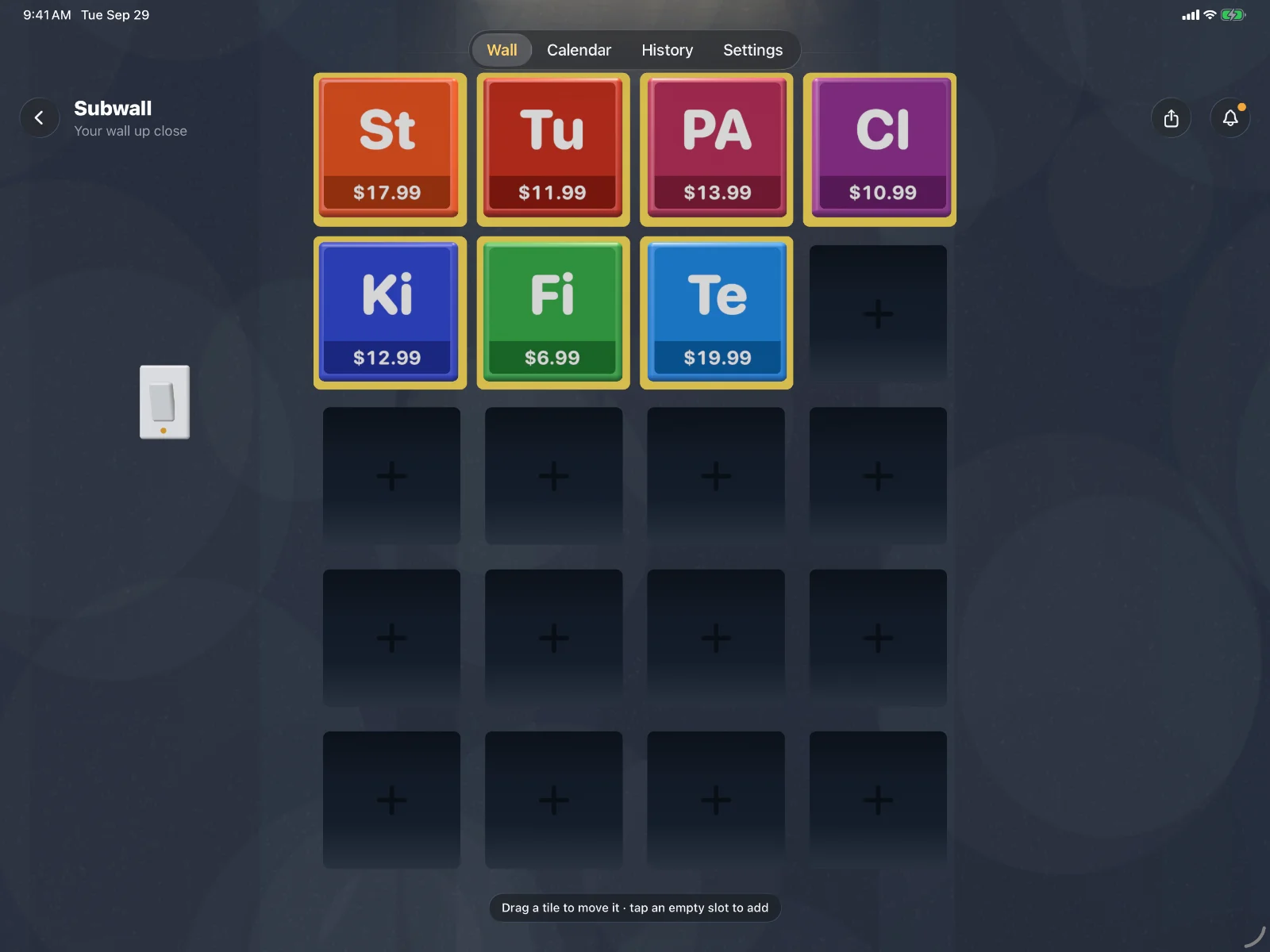
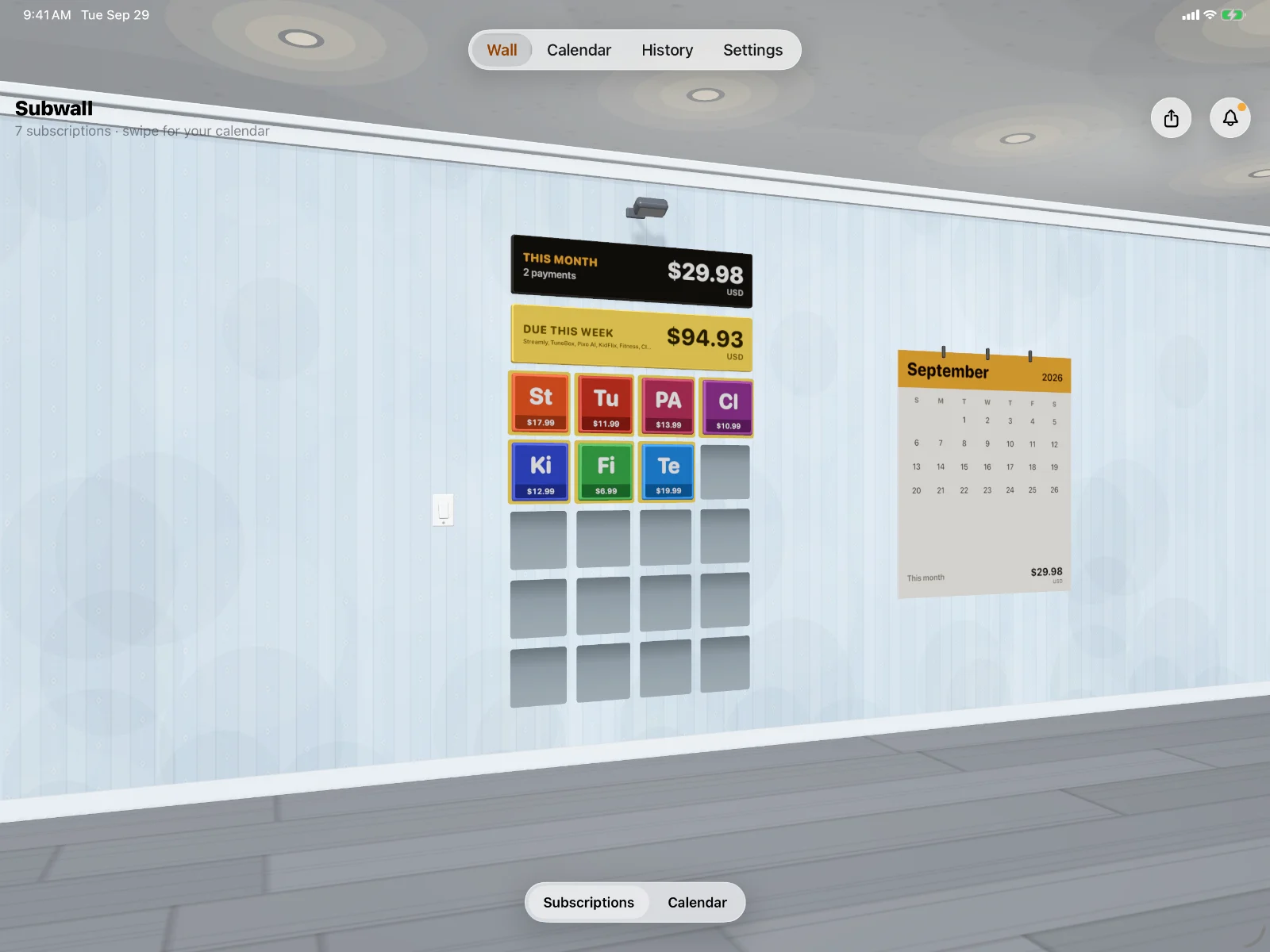
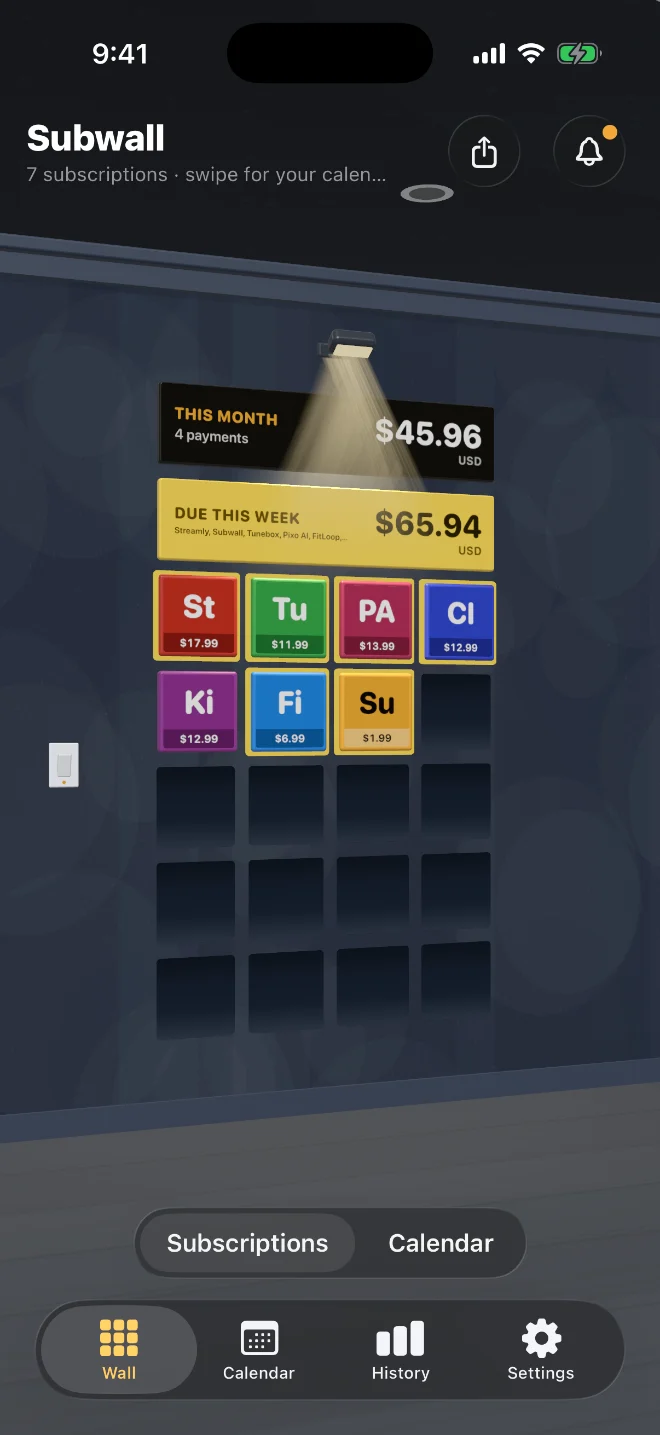
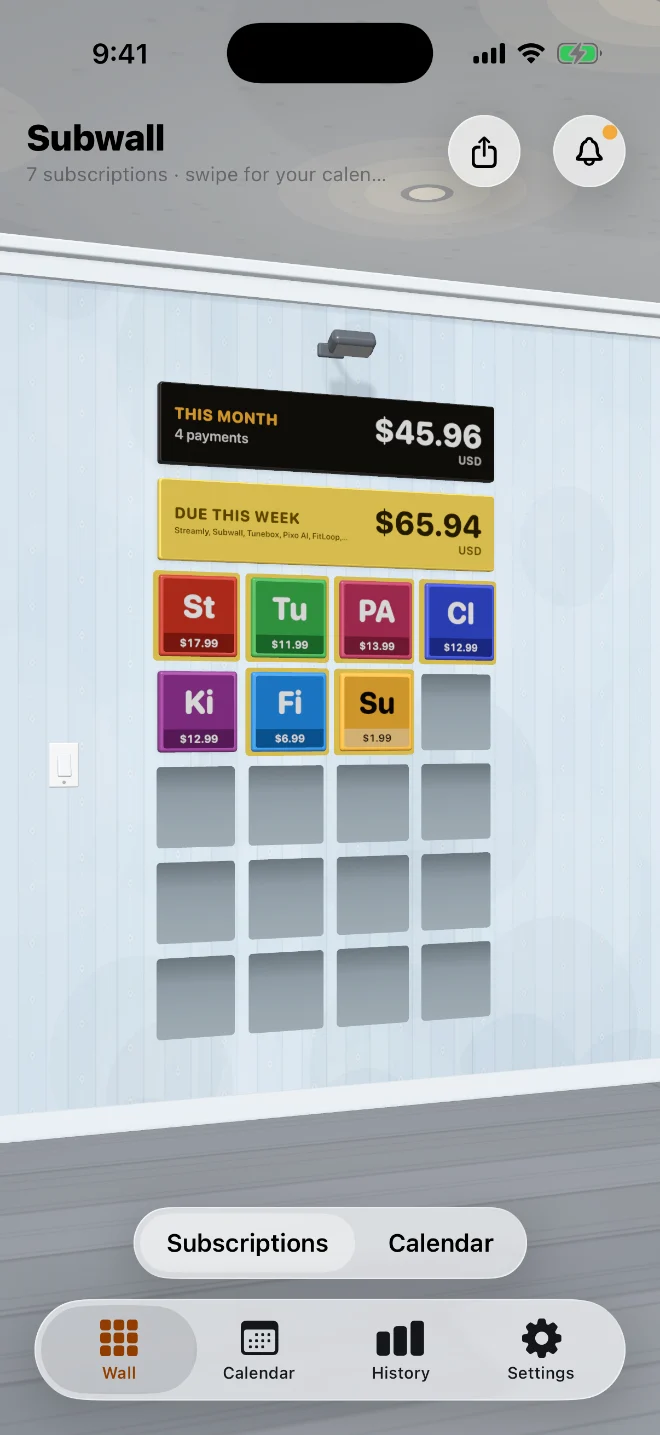
Every subscription hangs on the wall
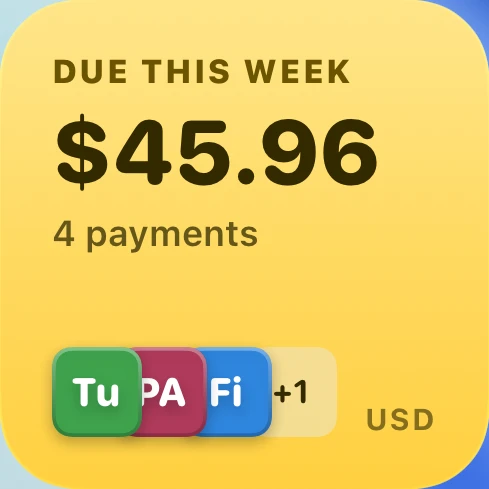
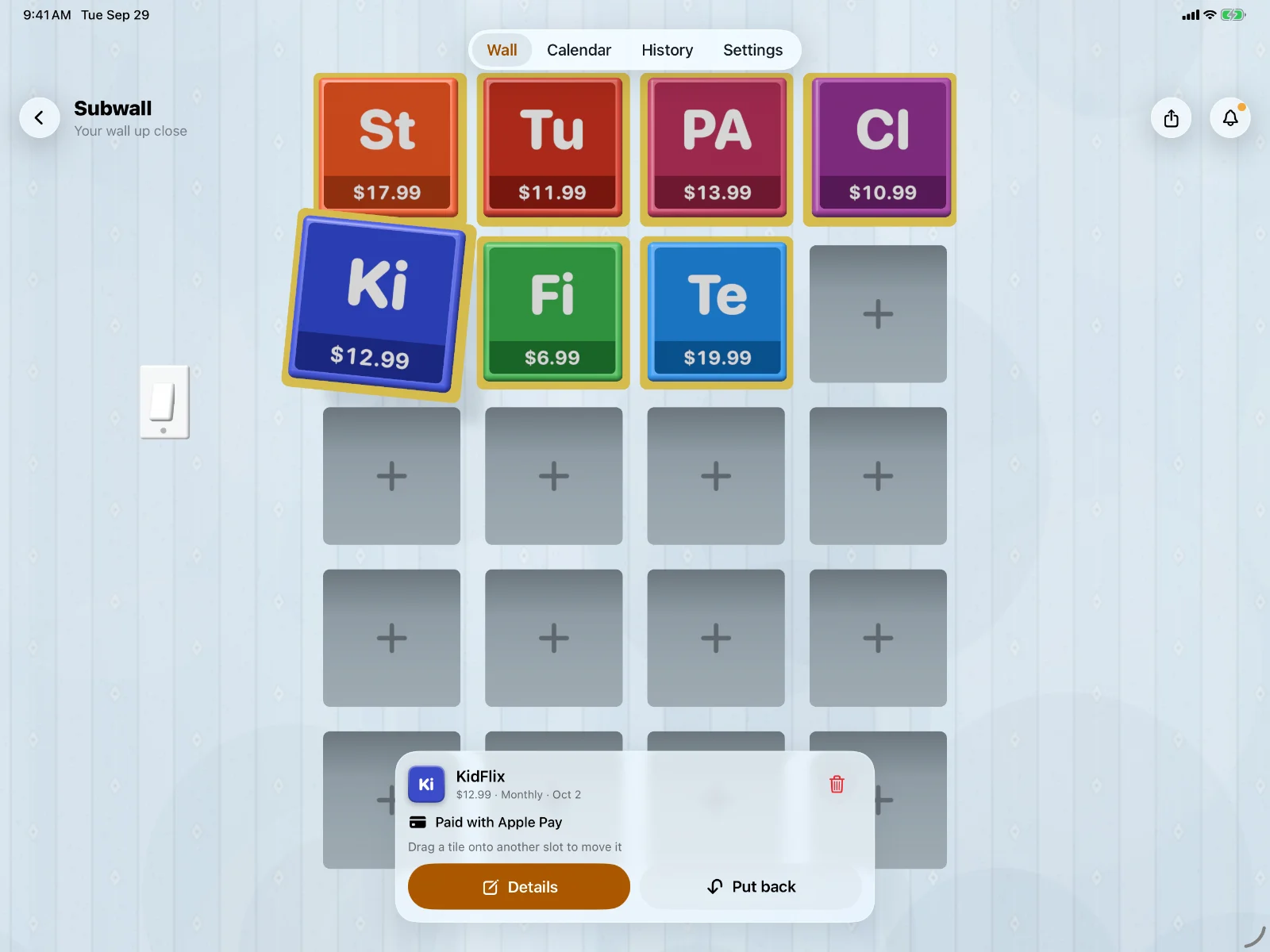
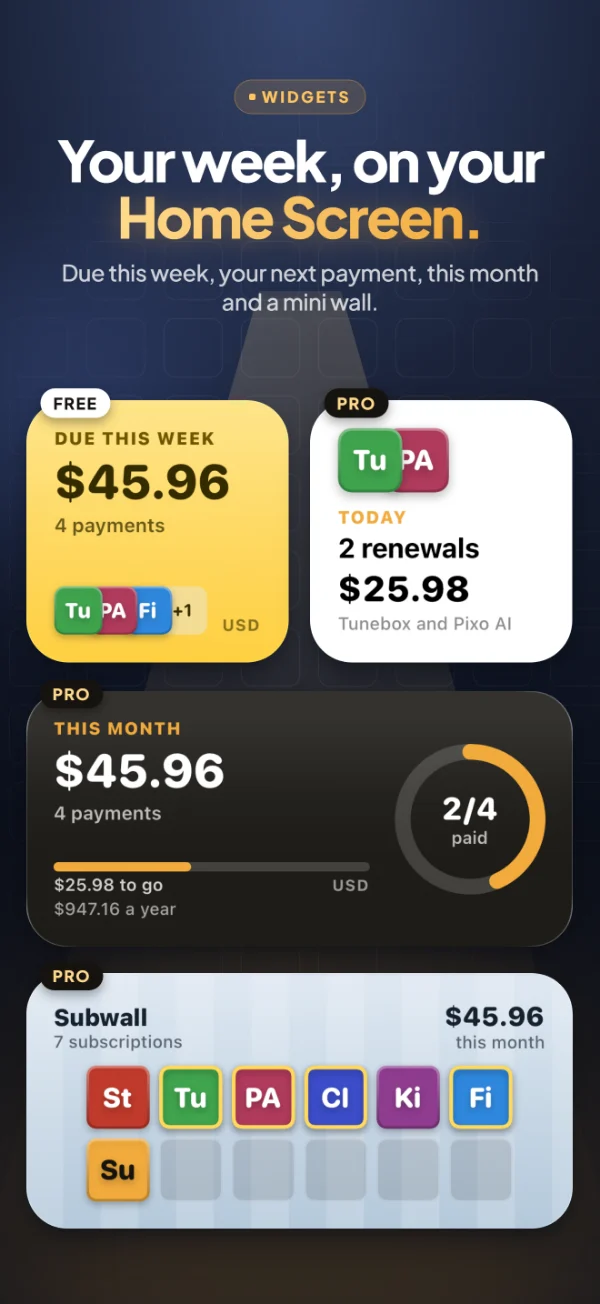
Each thing you pay for is a tile, with this month’s total and what’s due this week right above it. Tiles due in the next seven days get a yellow border.
02Walk up close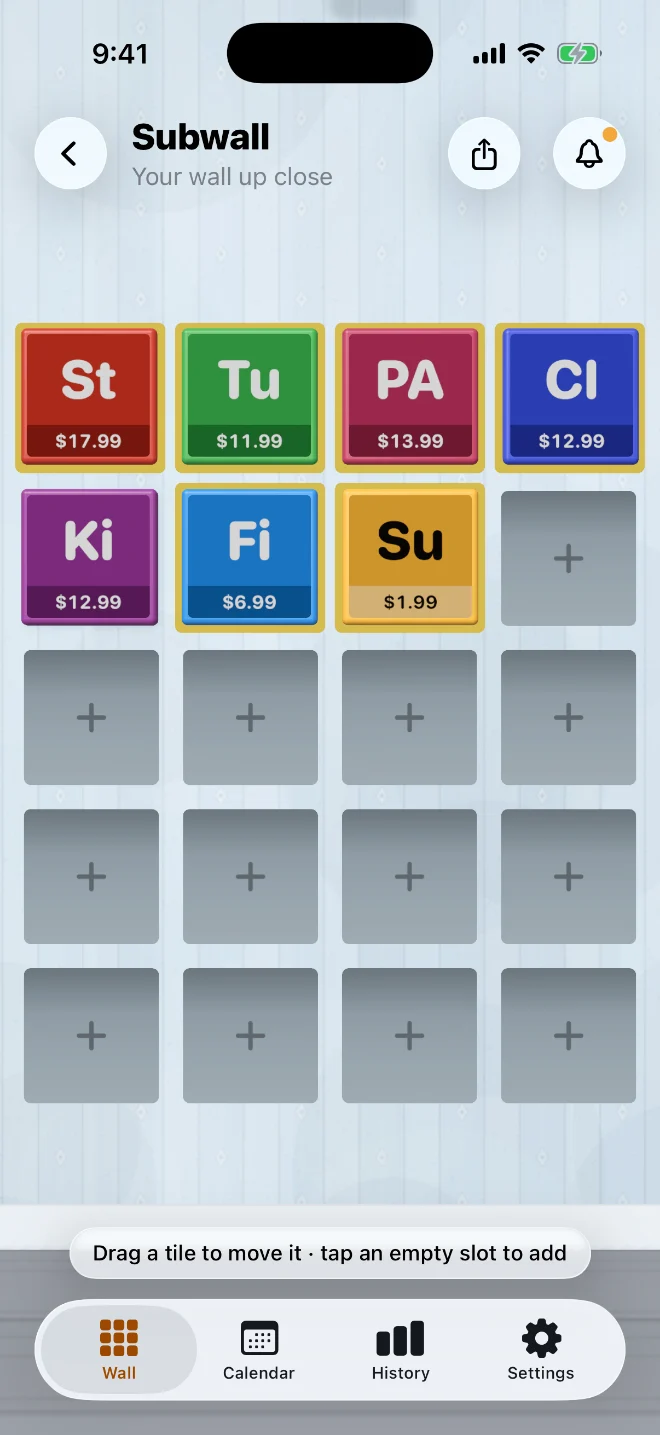
Arrange it your way
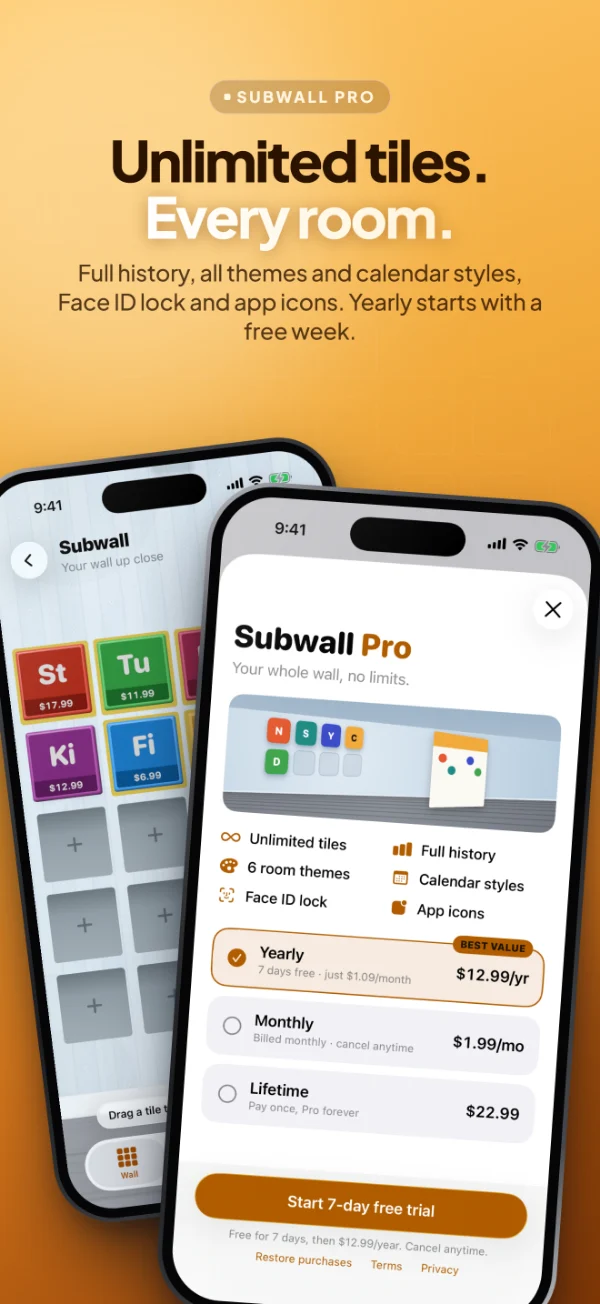
Tap the wall to walk up to it. Drag a tile onto another slot to move it, or tap an empty slot to add a subscription right there.
03Pick up a tile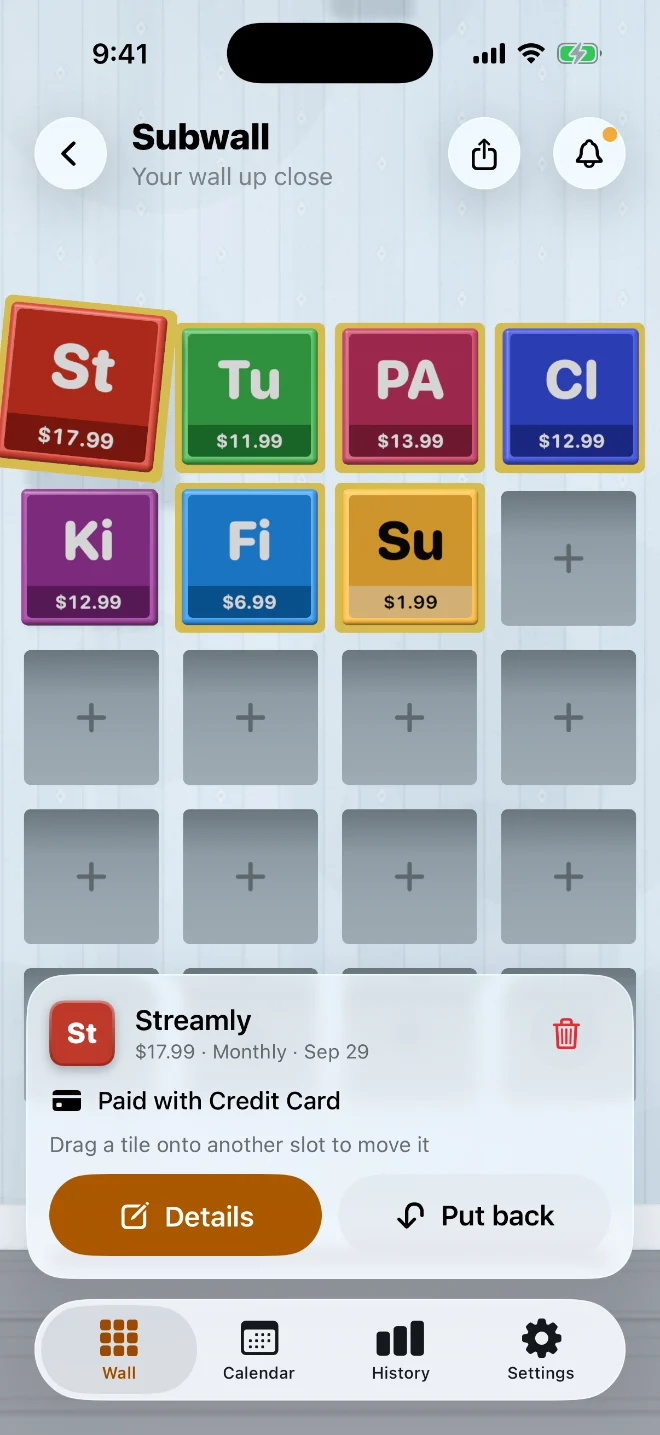
Everything about it, in one tap
Lift a tile to see its price, how often it renews, the next payment and the card it’s charged to.
04Slide along the wall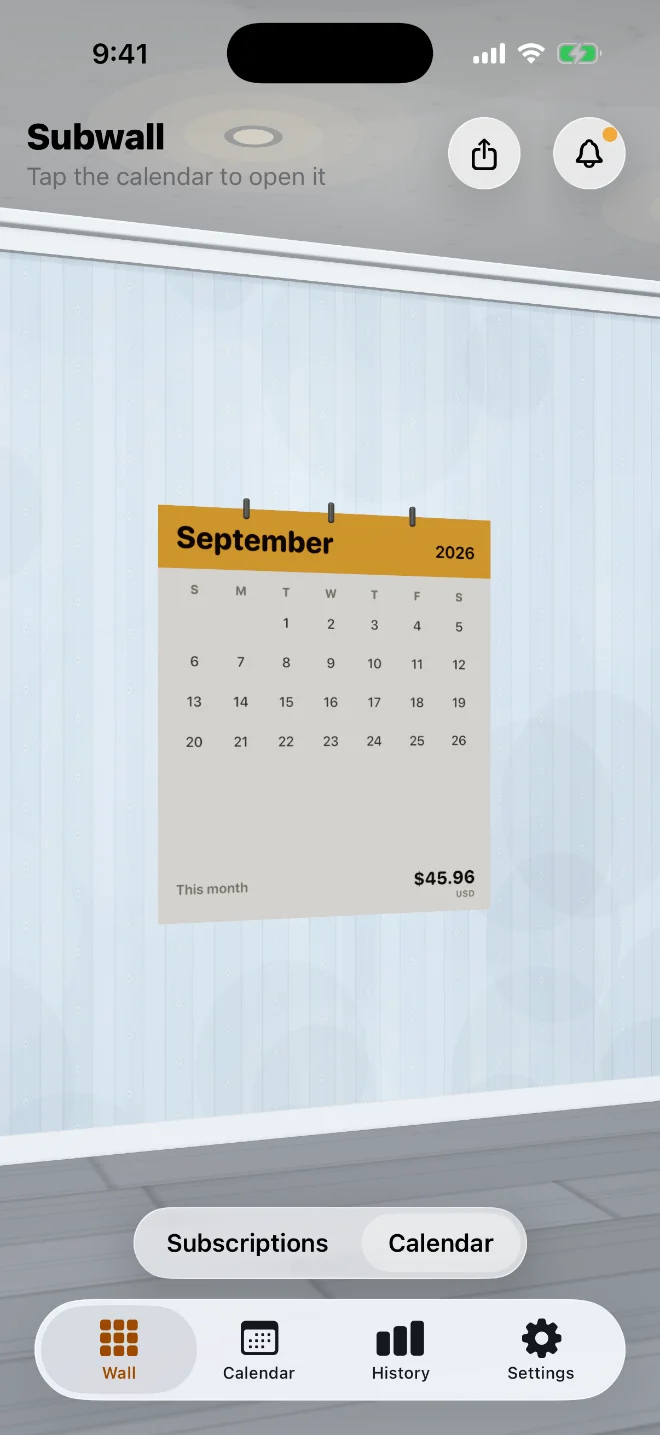
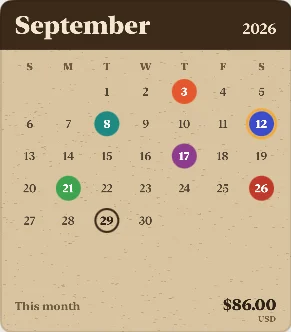
A paper calendar, next to your tiles
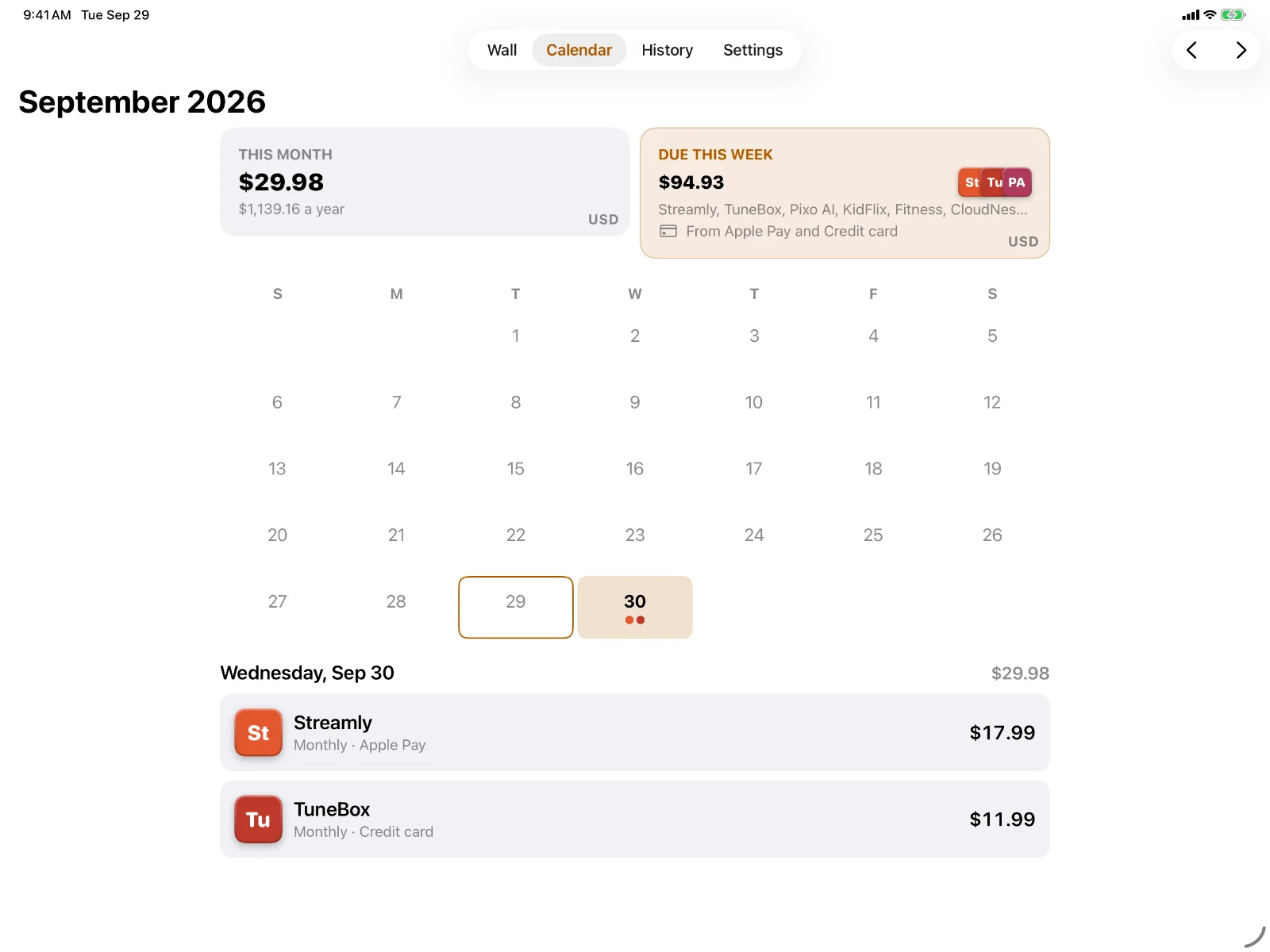
Swipe along the wall to a calendar with this month’s total. Tap it to open the full Calendar.
05Plan the month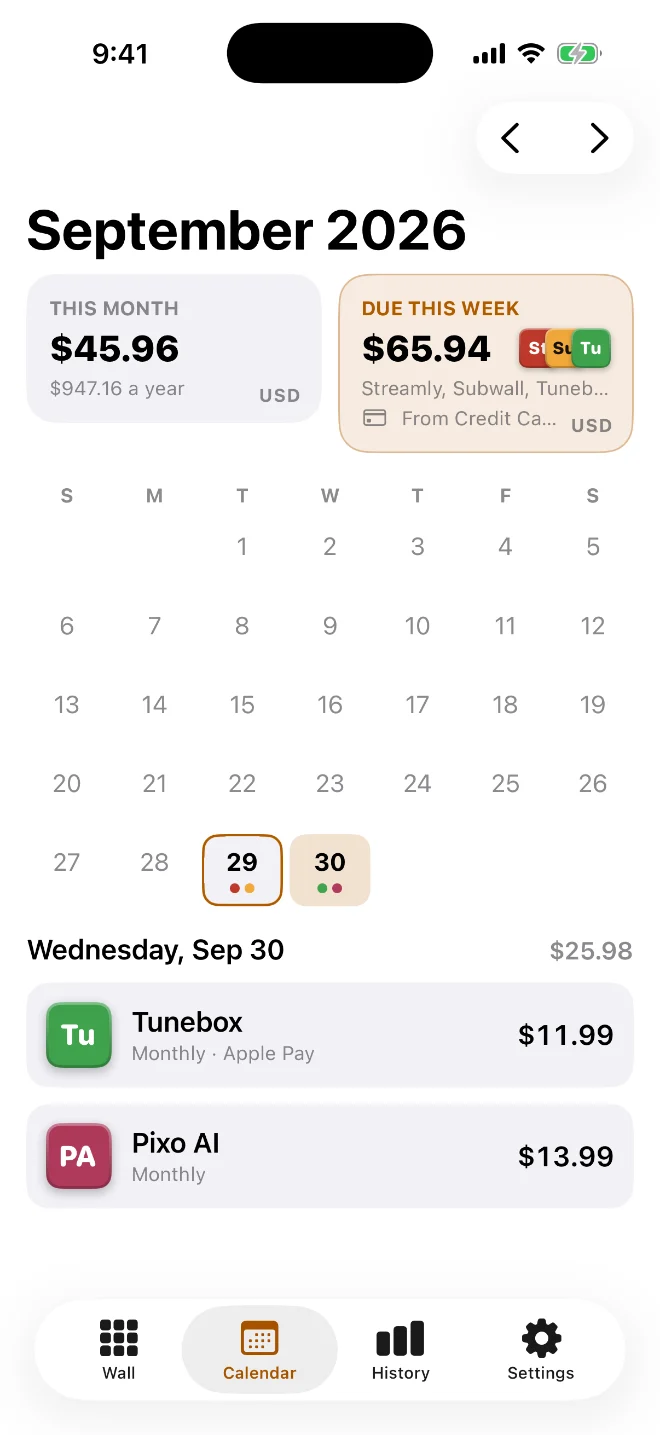
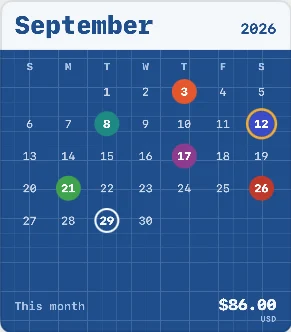
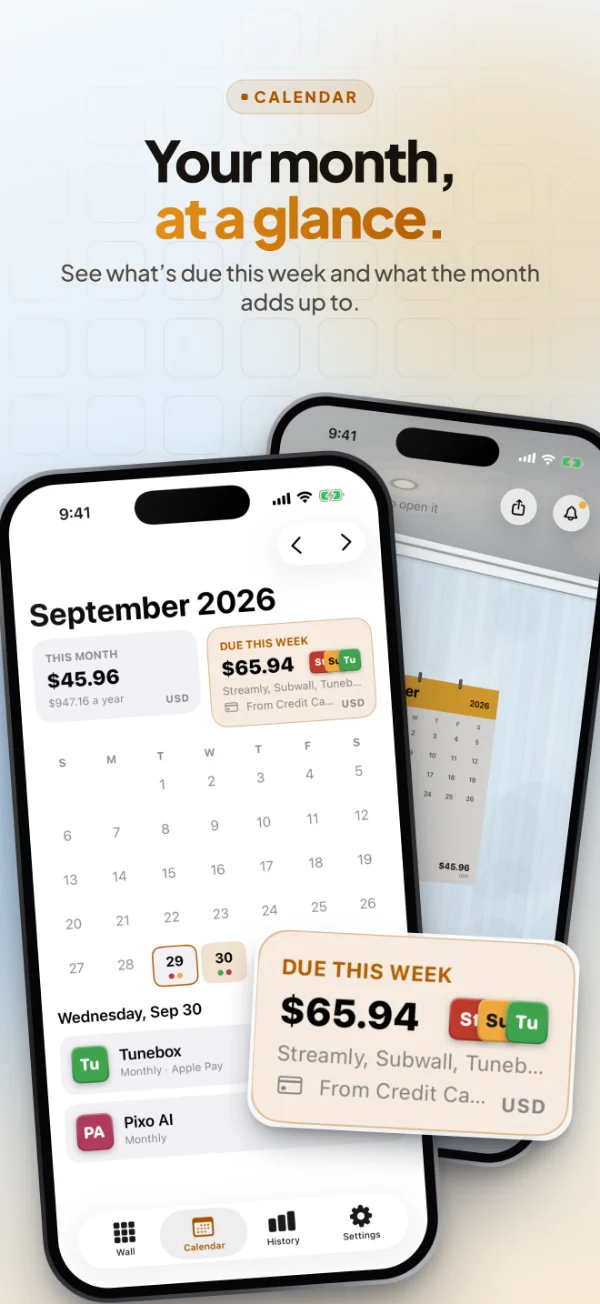
Know what’s coming, day by day
Every payment day is dotted in its service’s colour. Tap a day to see exactly what renews and what it adds up to.